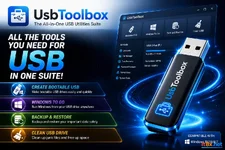
Rufus Portable is a lightweight and powerful USB formatting utility that allows you to create bootable USB drives using bootable ISO images. Whether you need to install an OS or flash firmware, Rufus provides a fast and reliable solution.
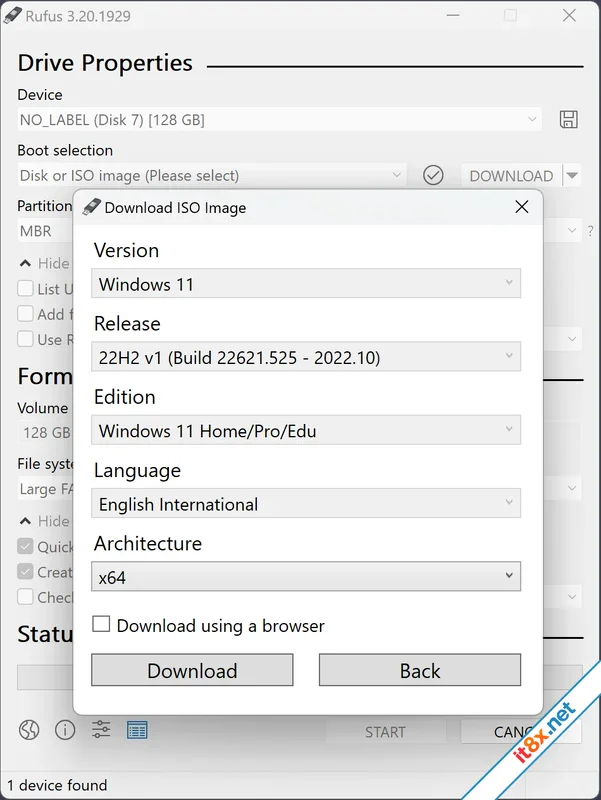
Note: This application requires administrative rights to perform low-level drive operations.
Key Use Cases
Rufus is especially useful in the following scenarios:- Creating USB installation media from bootable ISOs (Windows, Linux, UEFI, etc.).
- Working on a system that does not have an operating system installed.
- Flashing a BIOS or other firmware directly from DOS.
- Running low-level system utilities.
Main Features
- Versatile Formatting: Support for FAT, FAT32, NTFS, UDF, exFAT, and ReFS file systems on USB, flash cards, and virtual drives.
- Bootable DOS Drives: Easily create DOS bootable USB drives using FreeDOS or MS-DOS.
- Modern Standards: Create BIOS or UEFI bootable drives, including support for UEFI bootable NTFS.
- Image Support: Create bootable drives from standard ISOs or compressed disk images.
- Windows To Go: Build portable Windows installations on your USB drive.
- High Performance: Up to twice as fast as Microsoft's USB/DVD tool or UNetbootin during ISO-to-USB creation.
- Security & Verification: Perform bad blocks checks (detects "fake" flash drives) and compute MD5, SHA-1, and SHA-256 checksums.
- User Friendly: Modern interface with native support for more than 35 languages.
- Portable & Open Source: Small footprint, no installation required, and 100% Free Software (GPL v3).
🗂️ Tệp đính kèm
Sửa bởi :