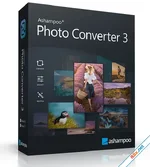
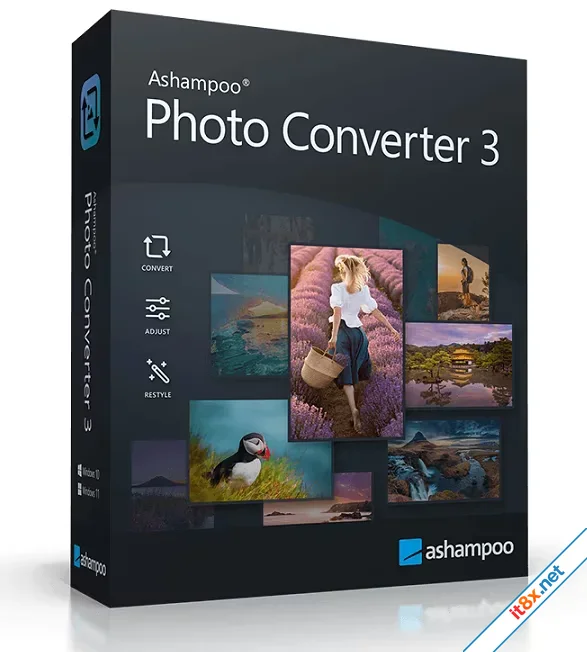
Ashampoo Photo Converter 3: Fast, Efficient & Versatile Image Batch Processing
Download: Direct
1. Power Meets Simplicity
Ashampoo Photo Converter 3 is your reliable partner for converting, resizing, and optimizing images at scale. Whether you are a hobbyist looking for a quick fix or a professional needing automated workflows, this version delivers the right tools with just a few clicks.2. Dual Modes for Every User
- Simple GUI: A completely redesigned, intuitive interface that guides beginners step-by-step through every feature.
- Powerful CLI Tool: A full-featured command-line interface with 10+ control parameters, perfect for professionals, server environments, and automated scripts.
3. Cutting-Edge Performance & Technology
Experience the most efficient Photo Converter yet with significant technical upgrades:- Native 64-bit Support: Optimized for Windows 10 and 11 with superior memory management.
- Incredible Speed: Up to 50% faster processing for JPG and PNG files.
- Extended Format Support: Seamlessly handle HEIF, SVG, and the latest RAW formats (Canon, Nikon, DNG, etc.).
- High-DPI Ready: Sleek modern design that looks perfect on large, high-resolution monitors.
4. Advanced Batch Processing & Automation
Maximize your productivity with smart automation features:- New Batch Wizard: Effortless drag-and-drop functionality with a sortable command list.
- Reusable Command Sets: Export your settings as *.apcbatch files to use them again later.
- Precise Resizing: Adjust images by percentage, pixels, centimeters, or DPI-based inch specifications.
- Metadata Preservation: Keep your essential EXIF and XMP data intact during every conversion.
5. Creative Editing & Professional Touch
More than just a converter, it’s a versatile editing suite:- Technical Fine-Tuning: Optimize contrast, color depth, saturation, and gamma manually or automatically.
- Artistic Effects: Apply Sepia, Oil Painting, Pencil Sketch, or Relief filters to entire folders at once.
- Protection & Organization: Add freely positionable watermarks, insert original shooting dates, or auto-delete source files after successful conversion.
The All-in-One Solution for Content Creators
From fixing compression artifacts to applying elegant frames and aspect ratio changes, Ashampoo Photo Converter 3 takes the heavy lifting out of image management. It’s fast, precise, and built for the modern creator.
Download: Direct
-
- Từ khóa
- ashampoo chỉnh sửa ảnh

CyberLink AudioDirector Ultra 2026
16.1.6122.0

SketchUp Pro 2026
26.1.189